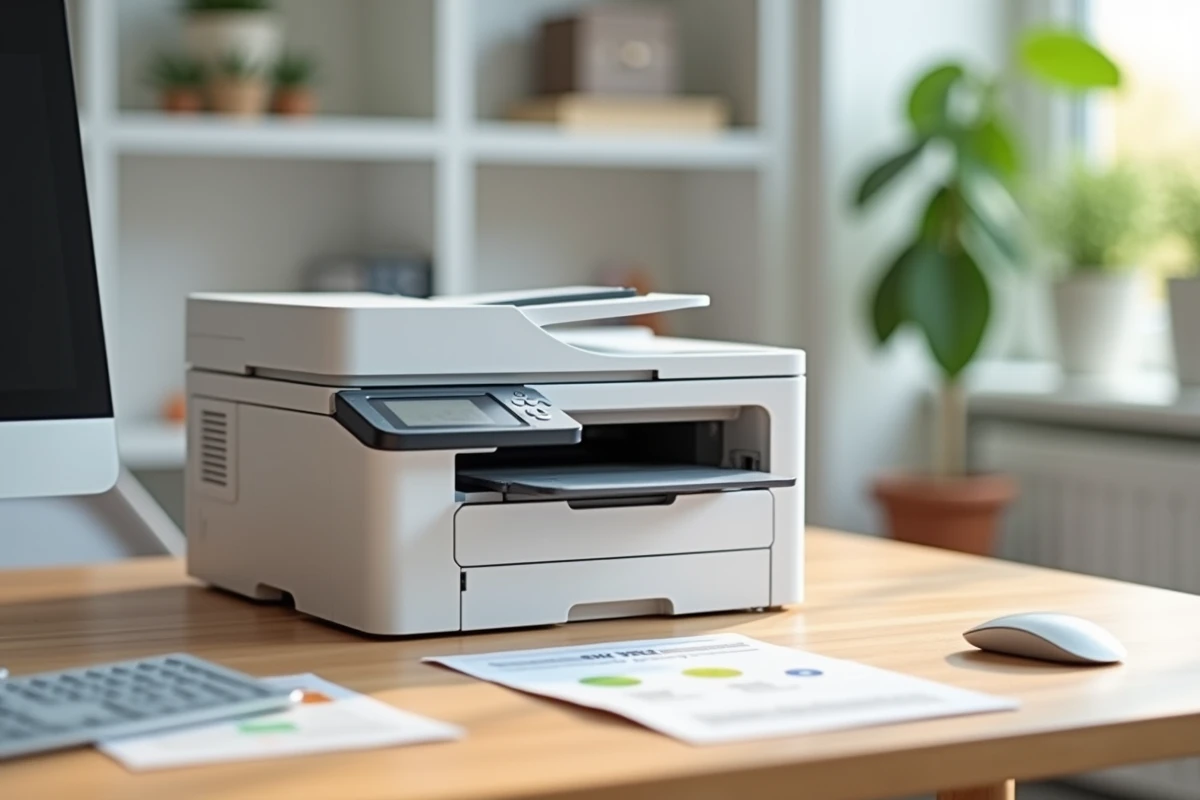
Print a color document from your desk without waiting, scan a contract in seconds, photocopy a form without changing machines: the Brother DCP-L3550CDW promises to combine these three functions in one compact device. This color laser multifunction model remains prominent in comparisons, even though Brother has since launched newer models. So, does this printer really deliver on its promises in everyday use?
Brother DCP-L3550CDW Color LED Technology: What It Really Changes
Before discussing speed or quality, one point needs clarification. The DCP-L3550CDW uses LED technology, sometimes mistakenly referred to as “laser.” The difference: instead of a moving laser beam, a row of fixed diodes illuminates the drum. The result for you? A simpler mechanism, with fewer moving parts, which reduces the risk of mechanical failure.
This design also has an impact on noise. Several users in a remote work context report that the machine remains audible during printing, especially in color mode. If your office is in a living space, this is a detail to keep in mind.
Browsing the review of the Brother DCP-L3550CDW, similar observations about noise levels can be found, as well as on the speed of the first page output, a criterion often overlooked in technical specifications.
Cost of Toners and Consumables: The Real Calculation to Make
You may have already experienced this disappointment: buying a printer at a good price, only to find that the cartridges cost almost as much as the machine. With the DCP-L3550CDW, the question of cost per page deserves an honest analysis.
The machine operates with four separate toners (black, cyan, magenta, yellow) and an independent drum unit. Each toner is replaced individually, which prevents you from discarding colors that are still full when one is empty. This is an advantage over combined cartridge systems.
However, feedback from IT services highlights a weak point: the management of consumables complicates cost-per-page contracts. Newer Brother models (like the DCP-L3560CDW) integrate better with managed print service offerings, with simplified toner stock tracking. For a freelancer or a small office, this remains manageable. For an organization looking to centralize management, it is a real limitation.
Original or Compatible Toners
The market offers compatible toners at reduced prices. Their quality varies greatly from one supplier to another. Using unofficial toners can affect color output and, in some cases, the lifespan of the drum. Choosing original Brother toners protects the consistency of printing in the long term.
Color Scanning and Copying: For What Everyday Uses
The scanning function of the DCP-L3550CDW covers the common needs of an office or advanced home use. You can scan to a computer, a USB stick, or directly via email over the Wi-Fi network.
Here are a few practical points to remember:
- The automatic document feeder allows you to scan multiple sheets in a row without having to place each page manually, saving time on administrative tasks.
- The scanner’s resolution is suitable for text documents and office graphics, but does not replace a dedicated photo scanner for high-definition prints.
- Automatic duplex copying is integrated, which reduces paper consumption on a daily basis.
For invoice, contract, mail, and internal presentation use, the scanner gets the job done smoothly. If you regularly print marketing visuals or photo materials, recent comparisons show that some pigment ink multifunction inkjets offer better output on these media.
Brother DCP-L3550CDW Compared to Recent Alternatives: Is It Still Worth Buying?
Since the release of this model, Brother has launched the DCP-L3560CDW and the MFC-L3760CDW, featuring faster print engines and better energy efficiency. The DCP-L3550CDW thus belongs to the previous generation, even though it remains widely marketed.
Why does this detail matter? Newer models consume less energy in standby and offer more comprehensive connectivity (native cloud compatibility, updated mobile applications). If you are buying new at the catalog price, check the price difference with the next generation. A moderate additional cost at purchase can be offset over time by better-optimized toners and reduced energy costs.
Color Laser or Business Inkjet
Another factor has changed in recent years. “Business” inkjet multifunction printers with tanks or high-yield cartridges (from Brother, Epson, HP) have narrowed the cost-per-page gap compared to color laser. For a small office that also prints visual materials, pigment inkjet deserves to be compared to laser before making a decision.
What still works in favor of the DCP-L3550CDW:
- The printing speed on text or mixed documents remains superior to most inkjets.
- The toner does not dry out, even after several weeks without printing, a clear advantage for intermittent use.
- The mechanical robustness of the LED mechanism limits maintenance interventions.
The Brother DCP-L3550CDW remains a solid color laser multifunction printer for regular office use, reliable in moderate volume. Its main drawback lies in its positioning: successor models offer a better functionality-to-consumption ratio. If you find this model at a reduced price, it represents good value for money. At the standard new price, comparing with the next generation or with a business inkjet is essential before placing an order.